
U.S. DOJ may break up Google after antitrust ruling; ex-google CEO warns of AI startups stealing IP

Top 3 Key Points:
- The U.S. Department of Justice (DOJ) is considering breaking up Google after ruling it has an illegal monopoly in search.
- Potential divestments could force Google to separate from its Android operating system and Chrome browser.
- Ex-Google CEO Eric Schmidt suggests AI startups could bypass legal concerns by launching first and dealing with lawsuits later.
The U.S. Department of Justice (DOJ) is weighing the possibility of breaking up Google following a ruling that the company maintains an illegal monopoly in search. According to reports, the DOJ is exploring two major options for divestment: forcing Google to separate from its Android operating system or its Chrome web browser. This move comes after Judge Amit P. Mehta found that Google unfairly leveraged its dominance, requiring smartphone manufacturers and other device makers to agree to specific terms to access essential apps like Gmail and the Play Store.
If the DOJ pursues this breakup, it would mark one of the most significant antitrust actions since the division of AT&T in 1984. However, other options are also on the table. For instance, the DOJ might consider a less drastic measure, such as requiring Google to share its search data with competitors like Microsoft’s Bing and DuckDuckGo. Google currently holds a massive lead in search data, reportedly controlling 16 times more data than its closest competitors, further solidifying its market position.
While no final decision has been made, any action would need approval from Judge Mehta before Google is compelled to comply. Should the DOJ move forward with breaking up Google, it would represent a historic step in the ongoing battle against monopolistic practices in the tech industry.
In a related development, former Google CEO Eric Schmidt recently made headlines for his remarks on how AI startups might succeed by bending the rules. During a talk at Stanford University, Schmidt suggested that new AI companies could potentially steal intellectual property (IP) and quickly launch products, only to hire lawyers later to “clean up the mess” if the products become successful. He later clarified that he wasn’t advocating for illegal actions but was instead commenting on the aggressive nature of Silicon Valley’s entrepreneurial culture.
Schmidt’s remarks reflect a broader concern about how rapidly advancing AI technologies could disrupt established companies, including giants like Google. His comments underscore the competitive pressures within the tech industry, where startups might take bold risks to gain a foothold.
Schmidt, who stepped down as Google’s chairman in 2015, remains a significant figure in Silicon Valley. He continues to invest in startups and maintain close ties with influential tech leaders, including OpenAI’s Sam Altman and Tesla’s Elon Musk. His comments at Stanford have sparked discussions about the future of AI, intellectual property, and the evolving landscape of the tech industry.
In a Stanford talk posted today, Eric Schmidt says the reason why Google is losing to @OpenAI and other startups is because Google only has people coming in 1 day per week 👀 pic.twitter.com/XPxr3kdNaC
— Alex Kehr (@alexkehr) August 13, 2024






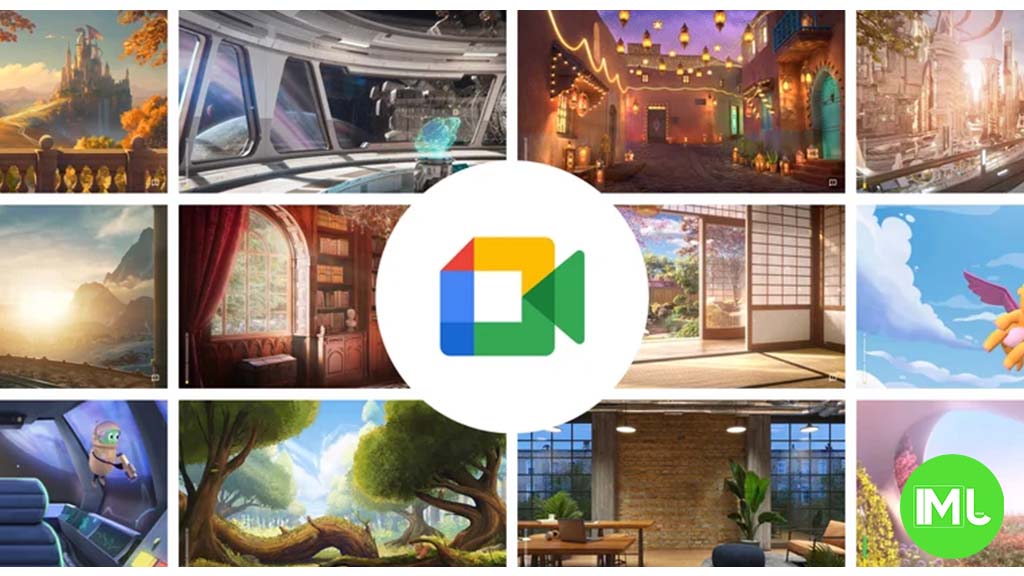
Google Meet is getting a big update to its look, thanks to the new Material 3 design. This change brings a cleaner and more modern style to the video calling app, making it easier and more enjoyable to use.
With Material 3, Google Meet now has rounder buttons, softer colors, and better spacing between elements. The main controls, like the microphone, camera, and end call buttons, are now larger and easier to tap. The icons and text are also clearer, which helps users find what they need quickly during a call.
Another improvement is the new “expressive” color system. This feature lets the app’s colors match your device’s wallpaper or theme, giving each user a unique and personalized experience. The changes also make Google Meet more accessible, as the new design is easier to read and use for everyone, including people with vision difficulties.
These updates are rolling out to both web and mobile versions of Google Meet. Google says the new look will help people feel more comfortable and focused during their meetings. Overall, the Material 3 update makes Google Meet not only look better but also work better for all its users.
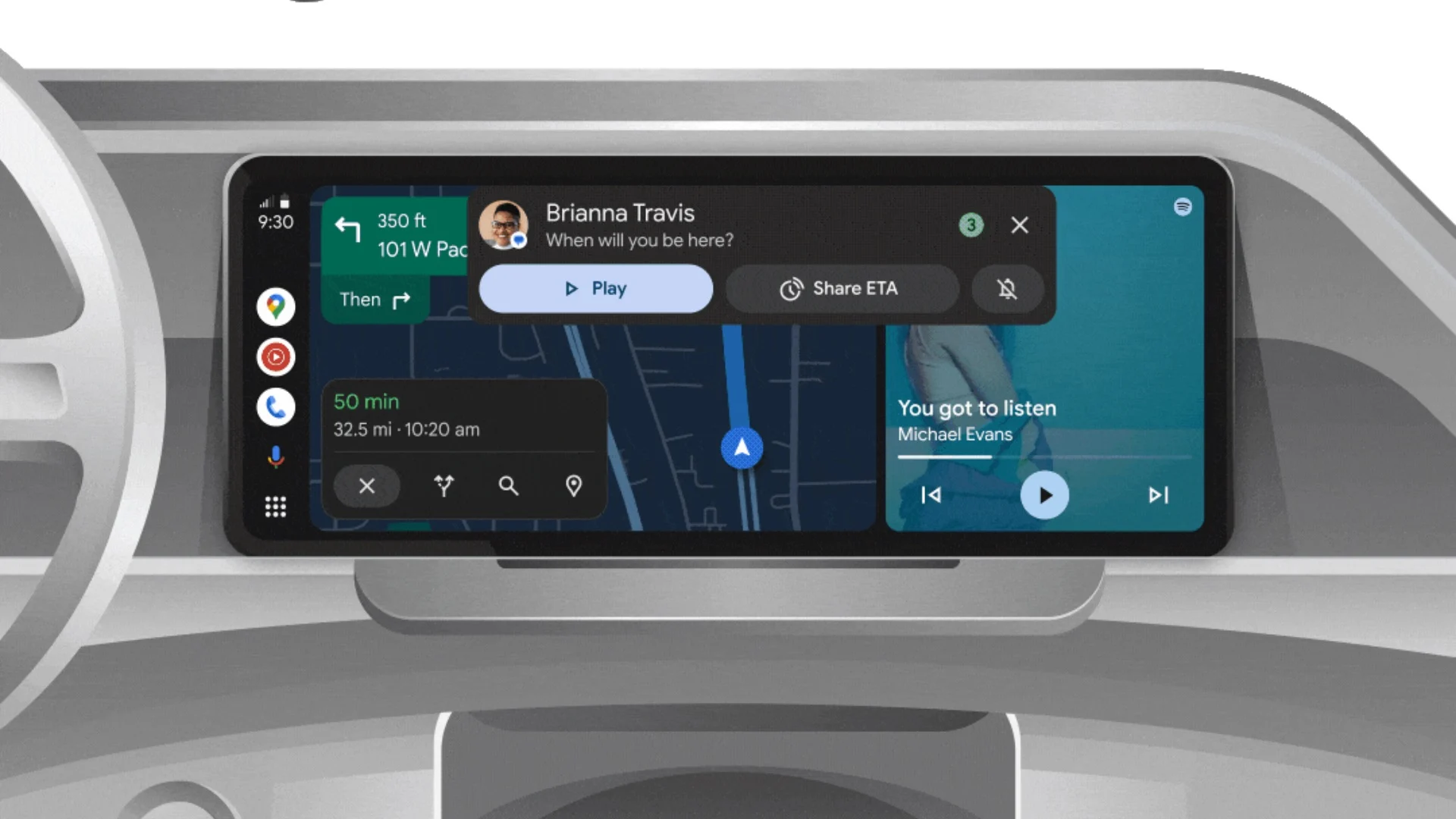
Android Auto is a helpful tool that lets you use your phone’s apps safely while driving. It connects your phone to your car’s screen, making it easier to use maps, music, and calls. One of the features many people like is the ability to change how Android Auto looks by switching between light and dark themes.
How to switch between light and dark themes
Android Auto offers two main themes: light and dark. The light theme uses brighter colors, which can make the screen easier to see during the day. The dark theme uses darker colors, which can be more comfortable for your eyes at night or in low light.
To change the theme, follow these steps:
- Open the Android Auto app on your phone.
- Go to the settings menu.
- Find the “Theme” option.
- Choose between “Light,” “Dark,” or “Set by car” (this lets your car decide the theme based on the time of day or your car’s settings).
Why themes matter
Using the right theme can make driving safer and more comfortable. The light theme is good for bright days, while the dark theme helps reduce glare at night. Having these options means you can pick what works best for you, making Android Auto easier to use in any condition.
In short, Android Auto’s theme options are simple to use and help you drive more safely by making the screen easy to see, no matter the time of day.
Google is rolling out some helpful updates to two of its popular apps: Google Drive and Files by Google. These changes are designed to make managing your files and watching videos much smoother.
First, Google Drive is getting a new video player. Now, when you upload a video to Drive and open it, you’ll notice a fresh look that matches Google’s latest design style. The controls, like play and pause, are easier to use and look cleaner. This update makes it simpler to watch videos directly in Drive without needing to download them first.
Meanwhile, the Files by Google app is also getting a makeover. The app is adopting Google’s Material 3 design, which means it looks brighter and more modern. The buttons and menus are easier to see and use, making it simpler to find, move, and organize your files. There are also new color options and improved icons, so everything feels more user-friendly.
Both updates show Google’s commitment to making its apps more helpful and enjoyable to use. Whether you’re watching videos in Drive or sorting files on your phone, these changes aim to save you time and make things less complicated. If you use these apps, keep an eye out for these new features—they should arrive soon!
-
 Apps2 years ago
Gboard Proofread feature will support selected text
-

 Apps2 years ago
Google Contacts app testing new Besties Widget
-
 AI2 years ago
Google Pixel 9 Pro may come with a complimentary one-year Gemini Advanced subscription
-
 Apps2 years ago
Google working on a new video editing feature for its Photo app
-

 Apps2 years ago
Google Maps lets you report traffic jams and accidents on Apple CarPlay, but not on Android Auto
-

 Apps2 years ago
Google Messages app will transform MMS chats into RCS
-
 News2 years ago
Samsung USA crafting One UI 6.1.1
-

 News2 years ago
Google Pixel Watch 2 Vs OnePlus Watch 2: The new champion?