
Google’s latest update for Pixel 4a reduces battery life by over 40%

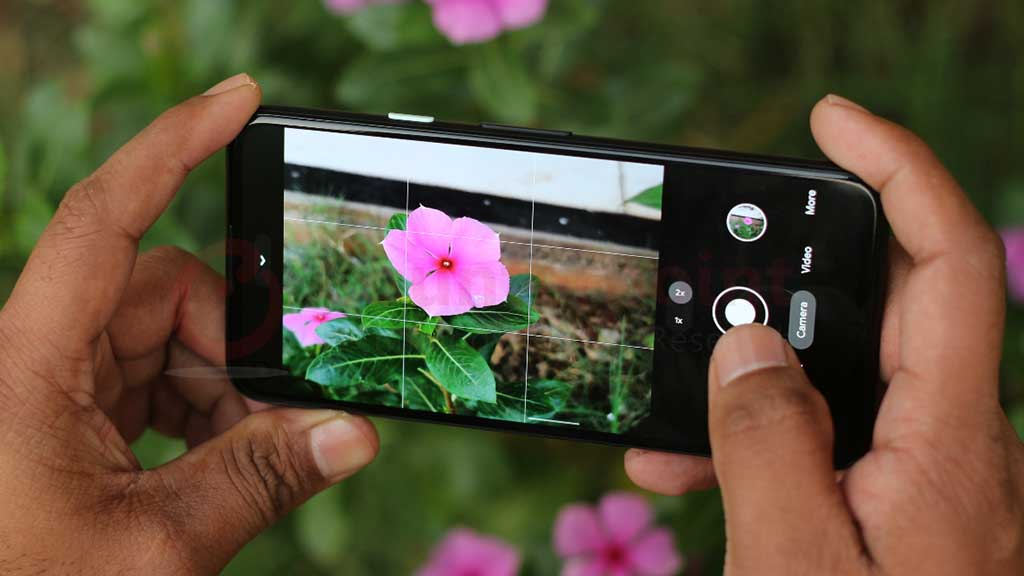
Last month, Google pushed out an unexpected update for the Pixel 4a that was meant to fix some battery issues. However, it turns out this update has actually reduced the usable battery life by over 40%, along with removing some features.
Back in early January, Google promised that the update would make the battery performance more stable. They warned, though, that the battery might not last as long between charges. To make up for the inconvenience, Google is offering free battery replacements, store credits, or even a $50 cash payment to those affected.
Since the update rolled out, many Pixel 4a users have noticed their phones don’t last as long as before. Some who used to get a full day’s use now find their phones dying within 8 hours or less. The community over at the r/Pixel4a subreddit has shared numerous stories about their experiences post-update.
Google hasn’t explained why they made these changes, but they’ve also pulled all the older software versions of the Pixel 4a from their servers. A developer named Hector Martin from Asahi Linux found that the update reduced the battery’s maximum charge voltage from 4.45V to 3.95V. According to Android Authority, this small drop in voltage leads to a significant 44% reduction in usable charge because the battery’s voltage range starts at 3.3V.
The update also got rid of a few features. One was Adaptive Charging, which helped extend battery life by slowing down the charging process. They’ve also removed the estimated charging time and the ability to display battery percentage in the status bar for new users, although those who had it enabled before the update didn’t lose it. Some users have reported seeing lower battery percentages after the update, which might explain some of the changes.
Additionally, users might notice slower charging and changes in how the battery level is displayed on their phones. This update was labeled as an “Emergency Maintenance Release” by Google, which meant it didn’t go through the usual rigorous checks before being released. The reasons for this urgency haven’t been disclosed.
If you’re a Pixel 4a owner affected by this update, you can contact Google to check if you’re eligible for a free battery replacement. With the Pixel 4a no longer receiving regular software updates since 2023, this might be a good time to think about upgrading your device.





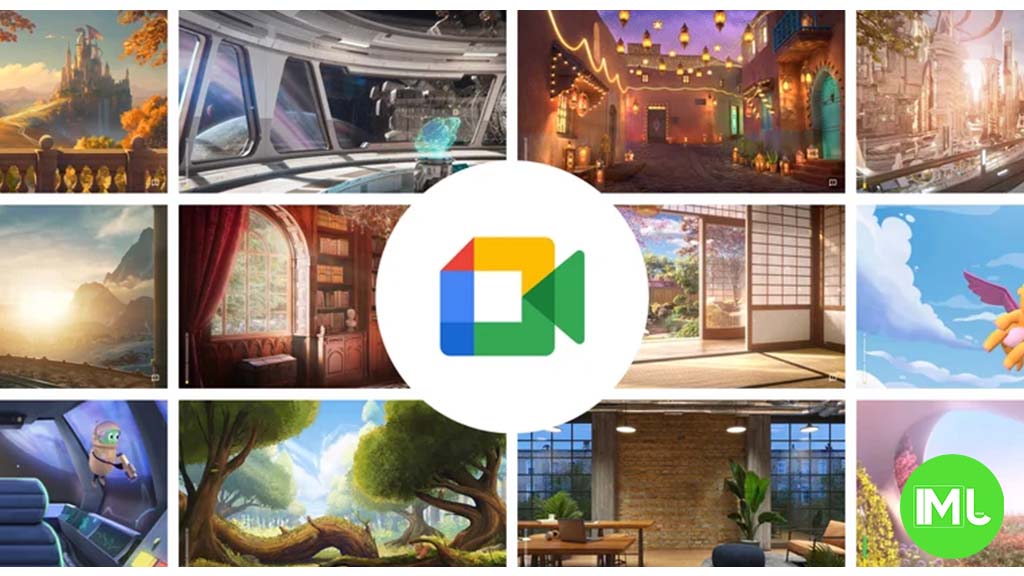
Google Meet is getting a big update to its look, thanks to the new Material 3 design. This change brings a cleaner and more modern style to the video calling app, making it easier and more enjoyable to use.
With Material 3, Google Meet now has rounder buttons, softer colors, and better spacing between elements. The main controls, like the microphone, camera, and end call buttons, are now larger and easier to tap. The icons and text are also clearer, which helps users find what they need quickly during a call.
Another improvement is the new “expressive” color system. This feature lets the app’s colors match your device’s wallpaper or theme, giving each user a unique and personalized experience. The changes also make Google Meet more accessible, as the new design is easier to read and use for everyone, including people with vision difficulties.
These updates are rolling out to both web and mobile versions of Google Meet. Google says the new look will help people feel more comfortable and focused during their meetings. Overall, the Material 3 update makes Google Meet not only look better but also work better for all its users.
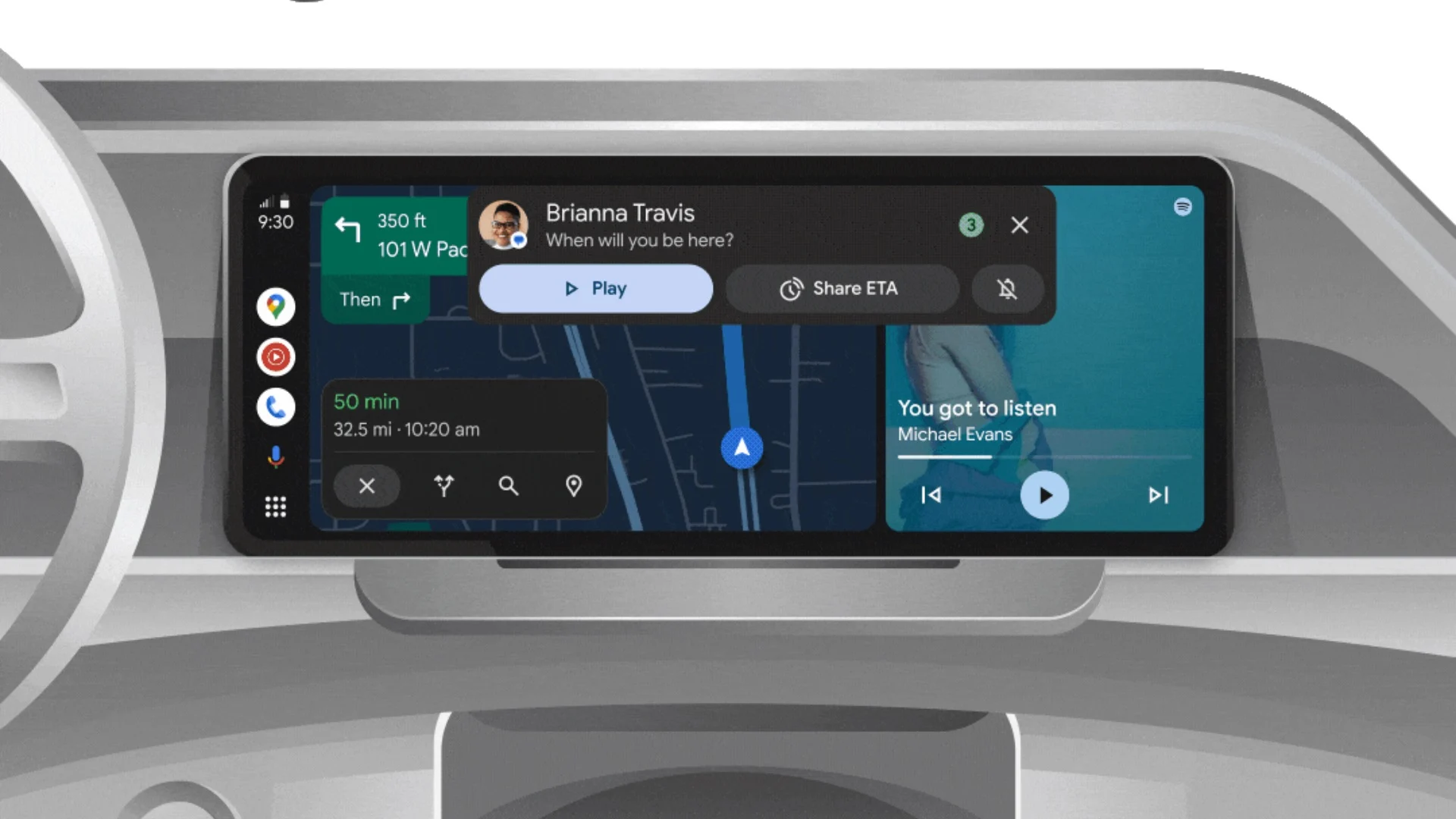
Android Auto is a helpful tool that lets you use your phone’s apps safely while driving. It connects your phone to your car’s screen, making it easier to use maps, music, and calls. One of the features many people like is the ability to change how Android Auto looks by switching between light and dark themes.
How to switch between light and dark themes
Android Auto offers two main themes: light and dark. The light theme uses brighter colors, which can make the screen easier to see during the day. The dark theme uses darker colors, which can be more comfortable for your eyes at night or in low light.
To change the theme, follow these steps:
- Open the Android Auto app on your phone.
- Go to the settings menu.
- Find the “Theme” option.
- Choose between “Light,” “Dark,” or “Set by car” (this lets your car decide the theme based on the time of day or your car’s settings).
Why themes matter
Using the right theme can make driving safer and more comfortable. The light theme is good for bright days, while the dark theme helps reduce glare at night. Having these options means you can pick what works best for you, making Android Auto easier to use in any condition.
In short, Android Auto’s theme options are simple to use and help you drive more safely by making the screen easy to see, no matter the time of day.
Google is rolling out some helpful updates to two of its popular apps: Google Drive and Files by Google. These changes are designed to make managing your files and watching videos much smoother.
First, Google Drive is getting a new video player. Now, when you upload a video to Drive and open it, you’ll notice a fresh look that matches Google’s latest design style. The controls, like play and pause, are easier to use and look cleaner. This update makes it simpler to watch videos directly in Drive without needing to download them first.
Meanwhile, the Files by Google app is also getting a makeover. The app is adopting Google’s Material 3 design, which means it looks brighter and more modern. The buttons and menus are easier to see and use, making it simpler to find, move, and organize your files. There are also new color options and improved icons, so everything feels more user-friendly.
Both updates show Google’s commitment to making its apps more helpful and enjoyable to use. Whether you’re watching videos in Drive or sorting files on your phone, these changes aim to save you time and make things less complicated. If you use these apps, keep an eye out for these new features—they should arrive soon!
-
 Apps2 years ago
Gboard Proofread feature will support selected text
-

 Apps2 years ago
Google Contacts app testing new Besties Widget
-
 AI2 years ago
Google Pixel 9 Pro may come with a complimentary one-year Gemini Advanced subscription
-
 Apps2 years ago
Google working on a new video editing feature for its Photo app
-
 Apps2 years ago
Google Maps lets you report traffic jams and accidents on Apple CarPlay, but not on Android Auto
-

 Apps2 years ago
Google Messages app will transform MMS chats into RCS
-
 News2 years ago
Samsung USA crafting One UI 6.1.1
-
 News2 years ago
Google Pixel Watch 2 Vs OnePlus Watch 2: The new champion?